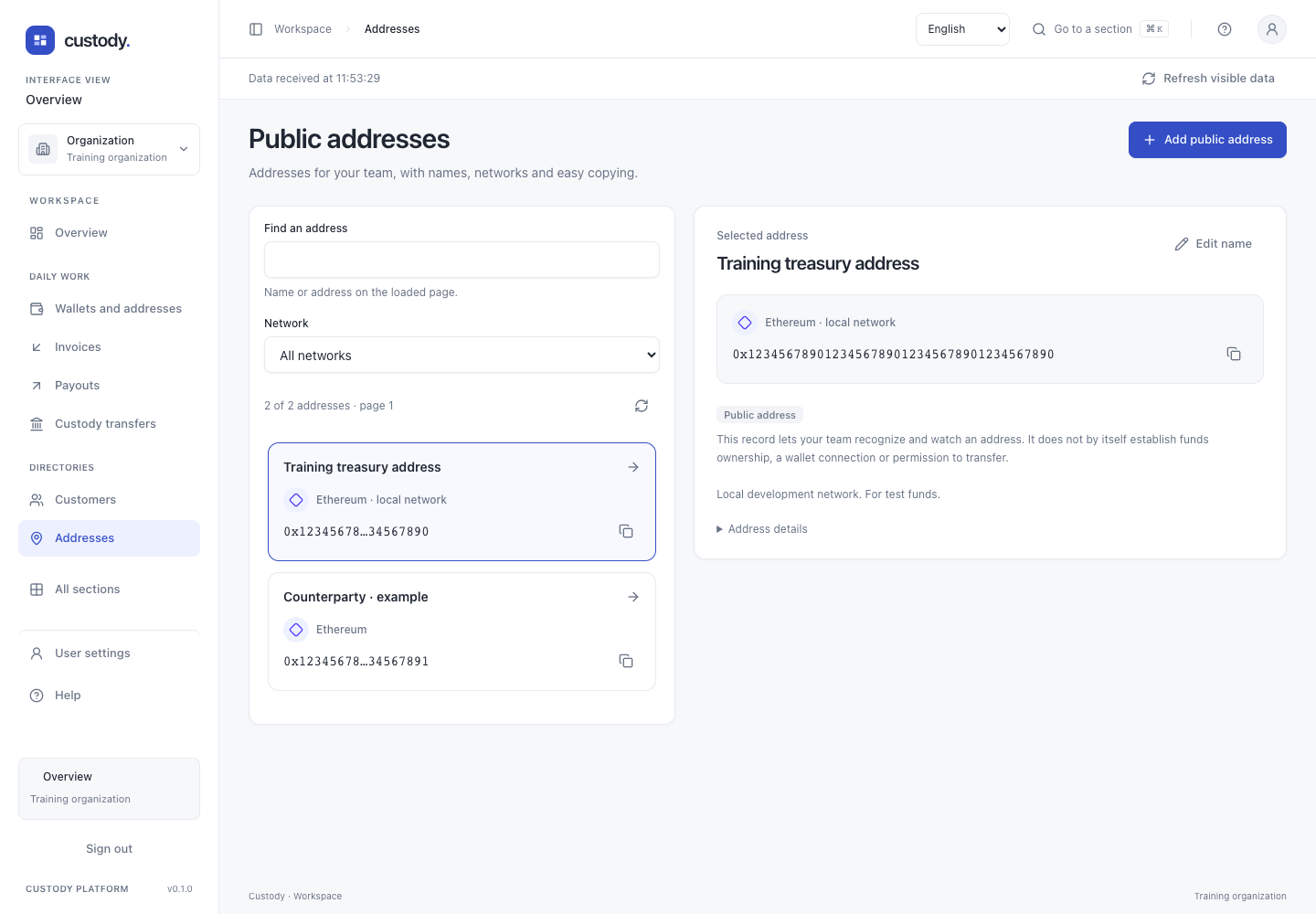
Public addresses
Save and find a public address, check its network and copy it in full.
Step by step
- Open Public addresses. The list shows saved names and networks. Search by name or address, or select a network; these filters apply only to the loaded page.
- Select a name to open its details. View selected address moves to the details on a phone. Copy address always copies the full address, even when the list displays a shortened value.
- Check the network before using an address. If copying fails, select the full address in the details and copy it manually. Address details contains the exact resource and network identifiers.
- Clear filters or move to the next page if the address is not visible. Previous page returns one page. Refresh address list reloads records without requesting a blockchain observation.
Working details
Add public address opens a short form: choose the network, enter a recognizable name and paste the full public address. Confirm with your passkey when asked. The server validates the format and saves the record. If it already exists, check the list and later pages. If the response is lost, use Check saved records before trying again; there is no automatic retry.
Edit name changes only the label. The network and address are immutable. After saving, the selected details show the server result. If the response is lost, close the form and check the refreshed name before another change.
Check on-chain balance explicitly requests a native-asset observation on supported Ethereum/TRON mainnet addresses. It shows the provider observation time and block; it is not a custody balance or spending permission. No balance request runs just because you open the list.
Address history reads stored observations, with bounded pages and the stream’s native/token coverage floors. No configured history does not mean no transfers. A stream needing review is not fresh confirmation. Bitcoin spent-output value is not a net outgoing transfer; the history is not a complete statement or accounting balance.
Interface