Troubleshooting
Find the cause without losing the original operation.
Step by step
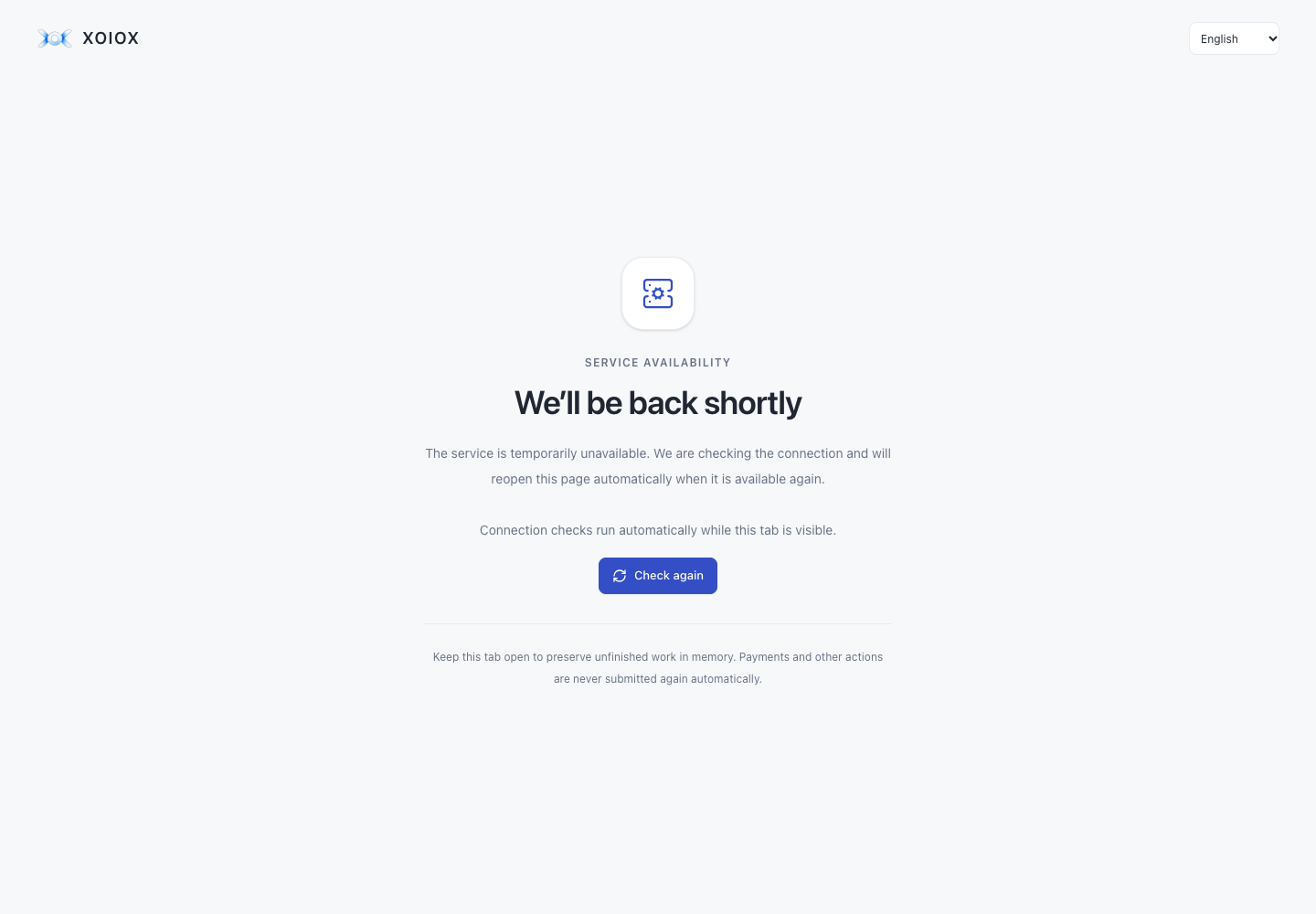
- If We’ll be back shortly appears, the service cannot currently be reached or verified. Check your internet connection and keep this tab open. Check again requests a fresh connection check; it does not repeat an account or financial action.
- The page reopens automatically when the service responds normally. Keep the original tab open to preserve unfinished forms and one-time results in memory. Reloading or closing the tab discards that local state. Review an uncertain operation using its original request before choosing another action.
- No organizations: check accepted invitations and refresh memberships. Missing section: ask an administrator about rights and settings.
- Device error: check the intended site and registered key. If sign-in is temporarily limited, wait until another attempt is allowed.
- Version conflict: read the current record and compare changes. Incomplete list: inspect later pages and active filters.
- Give the responsible administrator the error code, request_id, time and action name. Exclude passwords, cookies, secrets and private keys.
- If a key proof expires or AUTH_MFA_INVALID appears, read the message and request reference, then explicitly repeat confirmation if the original action allows it. Do not create a replacement financial operation. Simultaneous confirmation requests share one pending ceremony; changing the identity cancels an unfinished proof. No action is automatically resubmitted.
- A security challenge that expired or was rejected requires Start verification again. The old device proof is never resubmitted. If the response was lost after submission, check sign-in or current security settings before another change; the screen does not automatically start another request.
- If a transfer source becomes inaccessible after key confirmation, its denial remains visible even after permissions refresh. The old input and transfer action stay closed. Choose a source again using current access; no quote or transfer is repeated automatically.
- Returning with the browser Back button rechecks API availability if the page was suspended. Only the health check restarts; saved business actions and key confirmations are not repeated.
Interface